
MCP tools and agent Skills: connect the apps, keep the process
Learn how MCP tools and reusable AI agent Skills work together, with a practical customer-brief example and clear personal versus team sharing boundaries.
By Weavz Team
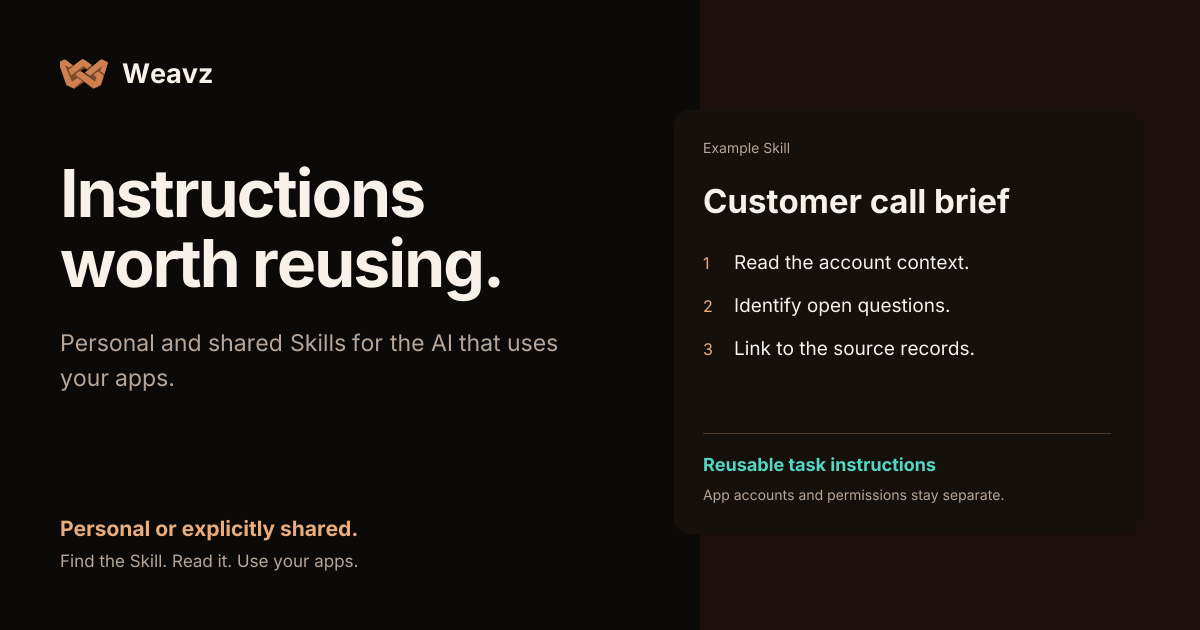
An agent can have access to your CRM and still prepare an unhelpful customer brief. It might summarize the wrong period, miss an unresolved commitment, or produce a confident answer without links to the source.
Account access and a useful working method solve different parts of that problem. MCP tools let an agent interact with connected systems. A Skill saves instructions for how to approach a task. A useful agent needs both the right capabilities and a clear process.
What MCP tools provide
The Model Context Protocol tool specification defines a way for servers to describe callable capabilities, including their names and input schemas. An AI client can discover and invoke those tools. A tool might retrieve a ticket, search a document or update an app record.
In Weavz, an MCP Workspace groups configured apps, account choices and allowed actions behind its MCP endpoint. Connect that endpoint to a compatible AI client and authorize the accounts the task needs. The client supplies the agent that decides what to call.
For a narrow set of actions, Tool Mode exposes individual tools. Code Mode MCP lets an agent search for actions, read the relevant API declarations and execute selected calls without loading the whole catalog first. Neither mode supplies the business judgment behind a good customer brief.
What a Skill provides
A Weavz Skill is reusable Markdown task instructions with a name, description, tags and version. It can explain what to read, what to compare, how to handle missing information and what the result should contain.
For a customer call, the useful instructions might be:
Read the recent conversation and account notes. Identify open questions and commitments. Link to the source records. Separate confirmed facts from proposed next steps. Prepare a brief and a follow-up draft; wait for my instruction before sending anything.
That process remains useful when the particular customer, meeting or connected CRM changes. The Skill saves the method; each request supplies the current task.
Put them together for one real workflow
Start with a sales-call brief, rather than configuring every available app.
- Connect the relevant email and CRM accounts in your MCP Workspace. Select only the actions the task needs.
- Create a personal Skill in the dashboard, or import a
SKILL.mdfile. Name it “Customer call brief” and describe when it should be used. - Ask your connected AI to find that Skill, read it and prepare the brief for a customer you specify.
- Check the output against the linked records before using it. Fix the instructions if the method needs improvement.
Weavz exposes weavz_search_skills for discovery and weavz_read_skill for explicitly reading the selected instructions. Search returns metadata, rather than injecting the full library into the conversation. Saving a Skill does not mean every client will automatically use it: tell your agent what to find and read, and check its behavior.
See the Skills setup guide for the complete flow and current tool names.
Personal instructions and shared instructions
Keep a personal Skill for your own working preferences. Use a workspace Skill when authorized people and agents should follow a maintained common process. An organization owner or admin can create that shared version.
Sharing a Skill does not share the app accounts behind it. The execution still needs the appropriate connection, end-user identity and action permissions. Review imported instructions before using them, and remove personal details before creating a shared copy.
A personal Skill and its shared copy are independent. Updating one does not silently rewrite the other. Edits use the current version, so a stale save cannot overwrite someone else's newer changes. Disable a Skill when agents should stop discovering or reading it.
Keep the controls in the right place
Instructions can ask an agent to prepare a draft, but prose is not an authorization boundary. Use connected-account permissions and allowed actions to control access. Add an optional approval rule when a particular action must wait for a reviewer. Skills cannot bypass those controls.
If the repeated problem is simply a destination or another action parameter, Saved inputs may be more appropriate than a long instruction document. If you need a starting set of apps, explore a workspace template. Neither is required to begin with a Skill.
Start with one task you repeat, one short set of instructions and a result you can verify. Connect your AI, or use the Skills API to build the same library into your product.
Share this article
Send it to a teammate or save the link for later.